Property Tips

Avoid Costly Oversights: Archive Home Improvements Like a Pro

Avoid Costly Oversights: Archive Home Improvements Like a Pro

The $10,000 Mistake of Ignoring Your Home's History

Imagine losing $10,000 simply because you didn't keep track of your home improvement projects. It sounds like a nightmare, but it’s a reality for many homeowners. Real estate experts often see homes undervalued due to poor or non-existent documentation. A case in Michigan involved a homeowner who had invested heavily in energy-efficient upgrades but had zero documentation to back it up. The result? A lower appraisal and a significantly reduced sale price.

According to industry data, homeowners who maintain organized records of improvements can increase their home's resale value by up to 15%. This isn't just a matter of pride or neatness—it's a financial advantage. When buyers know exactly what they're paying for, they're more likely to offer a higher price. After all, would you pay extra for a house with mystery upgrades?

So, how do you avoid this costly oversight? Start by acknowledging that your home is a dynamic entity, evolving with each renovation and repair. Documenting these changes isn't just about keeping track—it's about enhancing your home's narrative and, ultimately, its market value.

Essential Records: What to Keep from Every Project

Every home improvement project, from a minor paint job to a full kitchen remodel, leaves behind a paper trail—or at least it should. Essential documents include permits, contracts, receipts, warranties, and before-and-after photos. These are not just mementos; they serve as verification of the work done and its quality.

Missing receipts can wreak havoc on insurance claims. Suppose a storm damages your new roof, and your insurance company requires proof of the recent upgrade. Without a receipt, you're at the mercy of their assessment, which might be far less than what you paid. According to home insurance data, claims supported by proper documentation are more likely to be approved and processed faster.

But what if you've lost a receipt or two? Start by contacting the contractor or store for duplicates. Most businesses keep records for several years. Going forward, consider scanning and saving digital copies immediately after purchase—it's a small step that can save you thousands.

Digital vs. Physical Archives: Pros and Cons

In the debate between digital and physical archives, each has its merits. Digital backups are crucial for long-term accessibility and ease of sharing. Imagine trying to dig through a filing cabinet when you could just as easily pull up a PDF on your phone. Studies suggest that digital records are 50% more likely to be maintained over time compared to their physical counterparts.

However, relying solely on digital copies poses risks. Data can be corrupted, lost, or hacked. Physical copies, meanwhile, are vulnerable to fires, floods, and simple misplacement. According to the National Archives, nearly 90% of paper documents degrade significantly over 10 years if not stored correctly.

The solution? A hybrid approach. Keep original documents in a safe, dry place and scan everything into a digital archive. This redundancy ensures you have access to your records no matter what happens to one format.

Step-by-Step: Creating a Foolproof Archive System

Ready to set up a foolproof archive system? Start by gathering all existing documents related to home improvements. Sort them by project type: plumbing, electrical, structural, etc. This categorization helps you find what you need quickly.

Next, invest in a reliable scanner or use a smartphone app to digitize these documents. Store them in a cloud service with encrypted backup options. Services like Dropbox or Google Drive offer secure, easily accessible storage solutions.

Finally, label physical folders and store them in a fireproof safe. Regularly update both digital and physical archives after every project. Tools like Evernote or Trello can simplify this process by providing templates and reminders.

Leveraging Homefolio AI for Seamless Record-Keeping

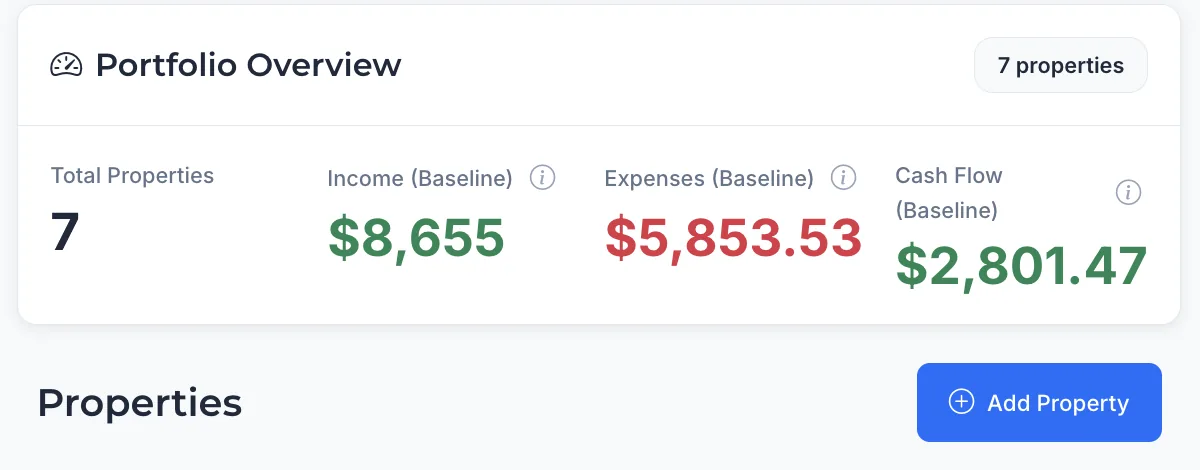
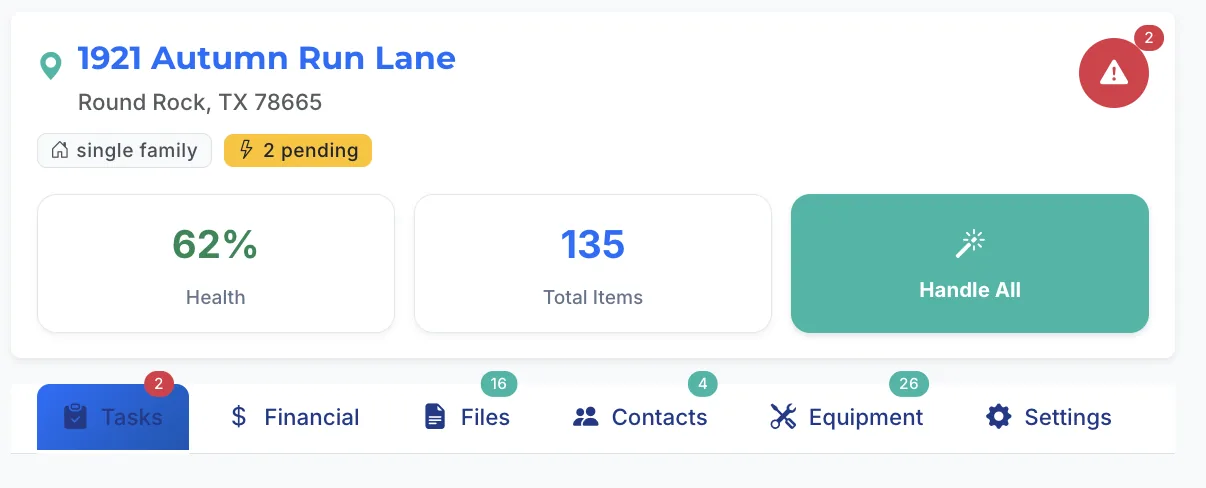
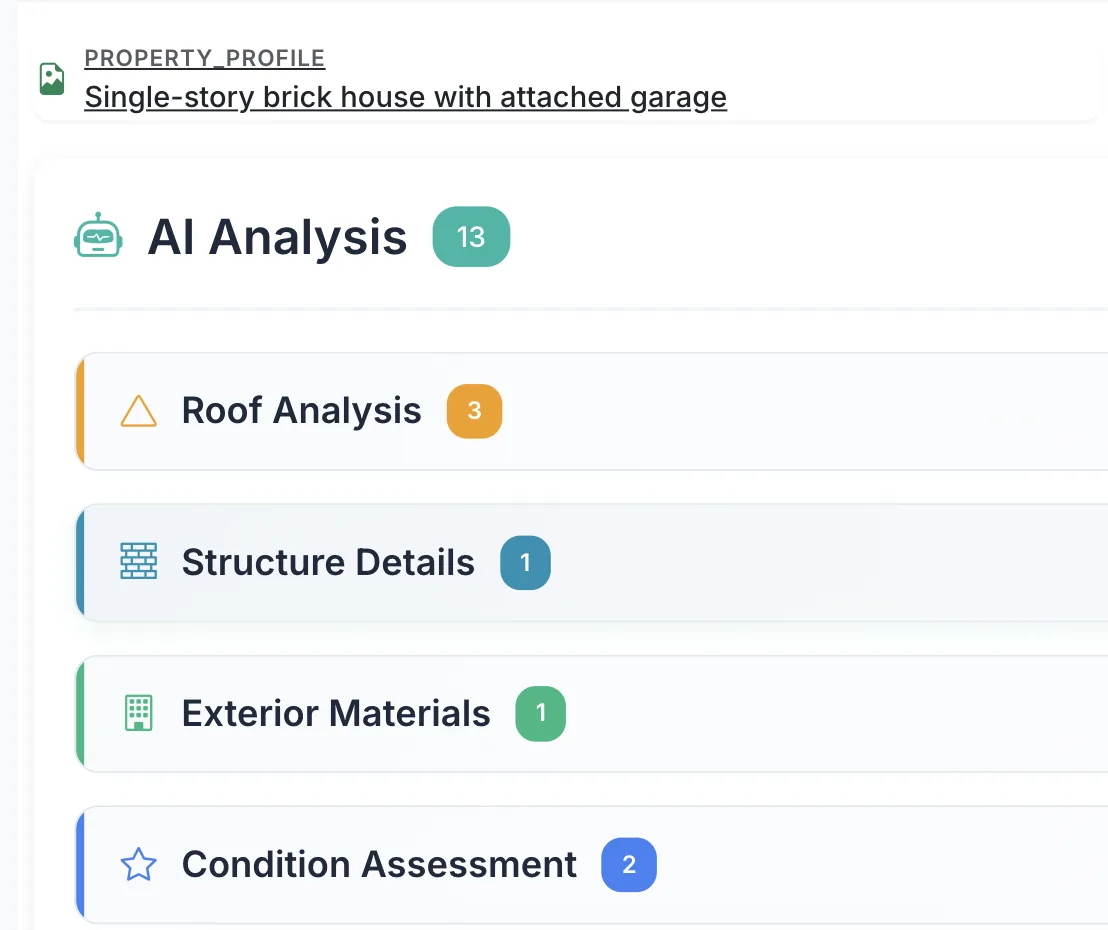
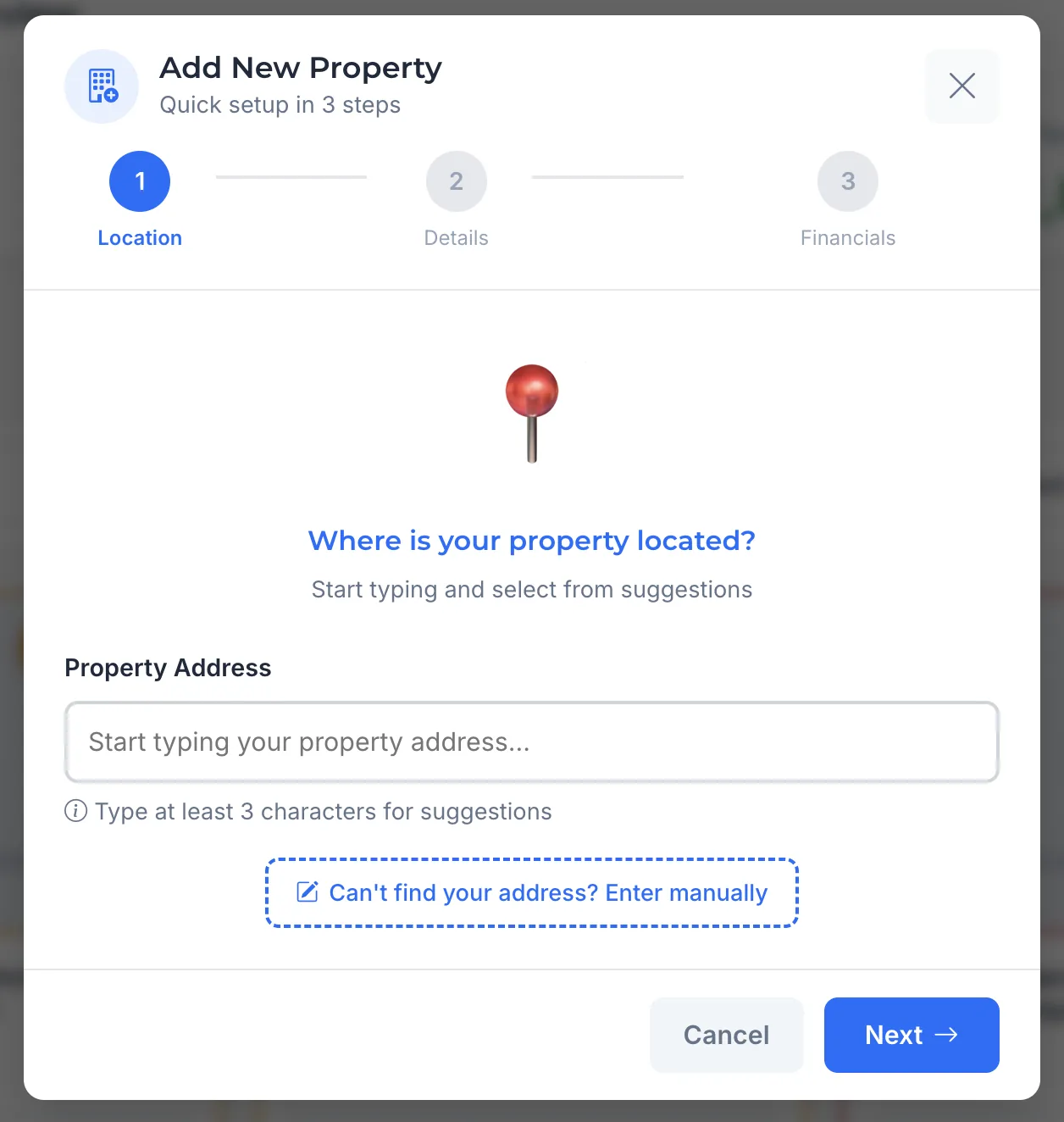
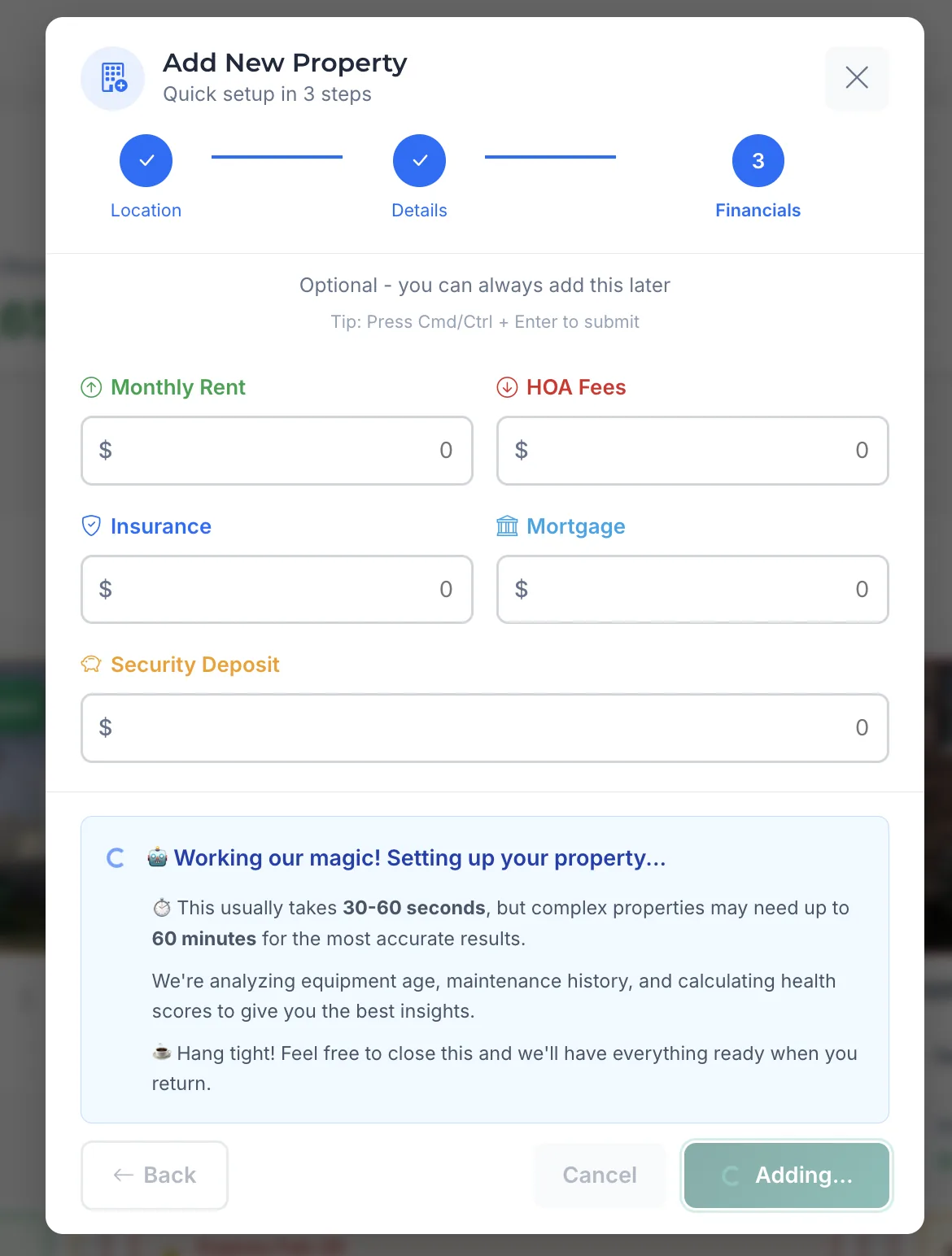
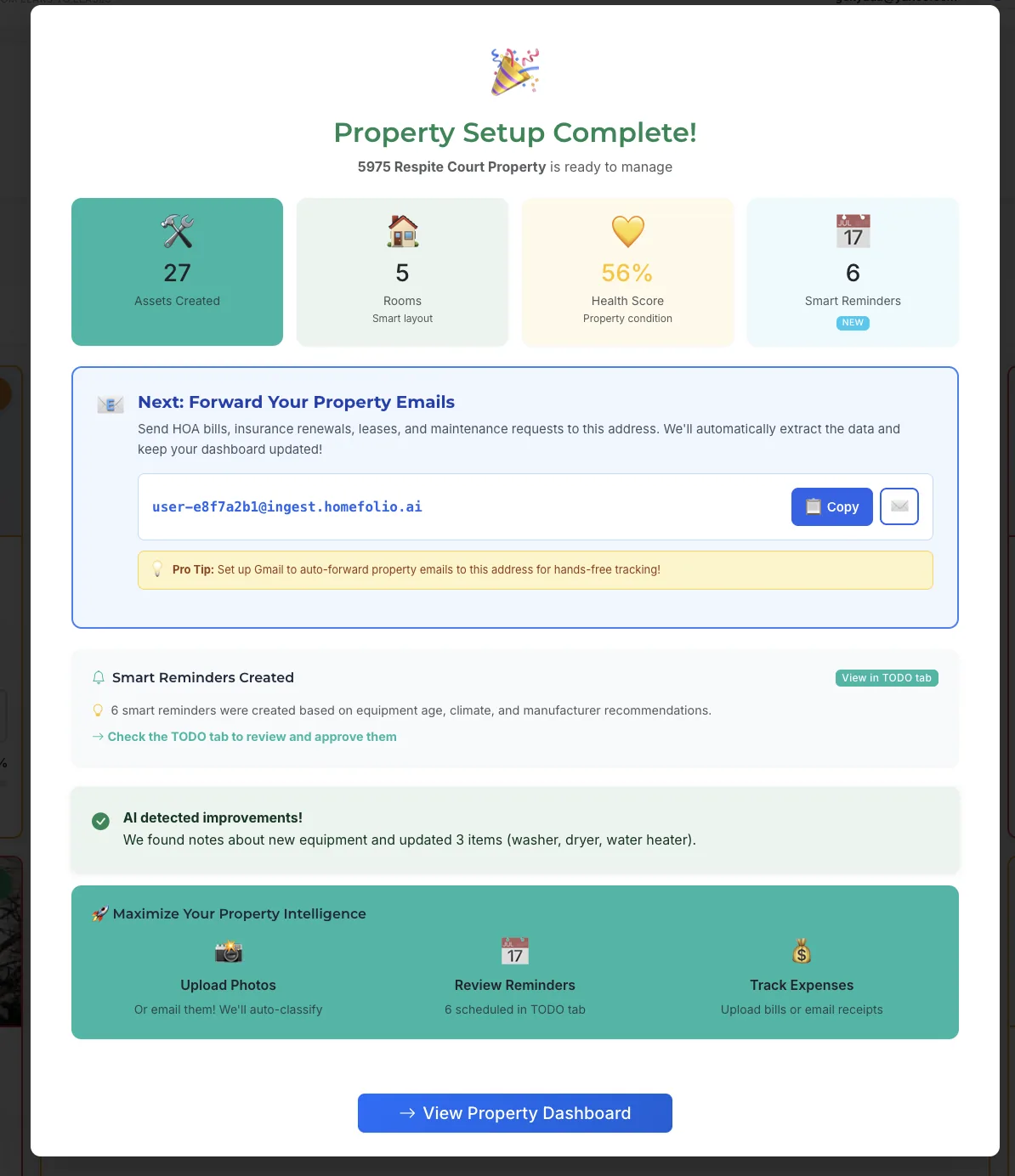
If setting up your own system sounds daunting, consider leveraging technology like Homefolio AI. With Homefolio AI, your documents are already there when you need them, providing peace of mind by having everything connected to the right property. Homefolio AI ensures that your home's information is in one place, ready for any situation. For more information, visit Homefolio AI.

This tool automatically handles the archiving process, saving you time and reducing the risk of human error. Imagine the relief of knowing that every receipt, warranty, and contract is securely stored and connected to your home.

Ultimately, leveraging such technology means fewer headaches down the line. It's about making smart choices today for a stress-free tomorrow.

FAQs About Archiving Home Improvement Projects

How long should I keep home improvement records?

It's advisable to keep home improvement records for as long as you own the house. They provide crucial information for future maintenance and potential buyers. For tax purposes, retain them at least seven years. If you sell your home, pass these records to the new owner—they'll appreciate knowing the property's history.

What documents are essential for resale value?

Essential documents include permits, contracts, warranties, and receipts. Before-and-after photos are also valuable. These documents verify the quality and authenticity of your home improvements, which can significantly affect an appraisal. A well-documented history can justify a higher asking price, making these records worth their weight in gold.

How do digital records affect insurance claims?

Digital records can expedite insurance claims by providing clear, accessible proof of upgrades and repairs. Insurers often require documentation to assess claims accurately. Organized digital files ensure you can quickly supply what's needed, reducing processing time and increasing the likelihood of a favorable outcome.

Can I digitize old paper receipts effectively?

Yes, digitizing old paper receipts is both feasible and wise. Use a high-quality scanner or a smartphone app like CamScanner to capture clear images. Save these files in a well-organized cloud storage system. Remember to name files descriptively for easy retrieval. This digital backup protects against physical loss and aids in quick information access.

What happens if I lose a receipt or document?

If you lose a receipt or document, try contacting the contractor or store for a duplicate. Most businesses retain records for several years. If it's irreplaceable, make a note of the expense in your digital archive, including any relevant details and correspondence. This can serve as a backup in cases where exact documentation is unavailable.

Your Home's Records — Already There When You Need Them.

Warranties, receipts, maintenance history, and appliance details — connected to your property automatically.

Get Started Free →