Your property remembers everything.
The contractor's name is in a text. The invoice is in an email. The warranty is in a drawer somewhere. HOMEFolio AI is where all of it lives instead.
Send it, snap it, forward it — AI connects it to the right property. When you need it 8 months from now, just ask.
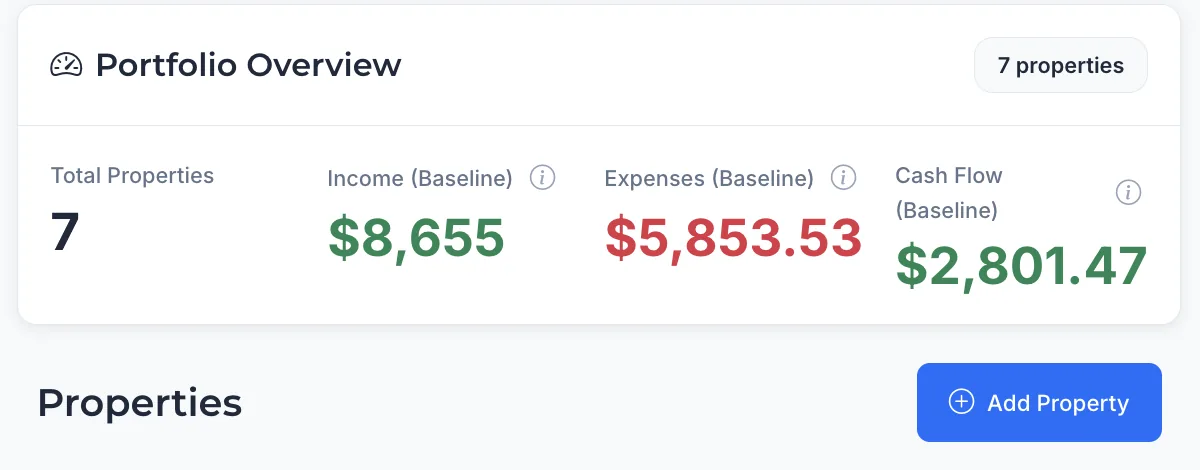
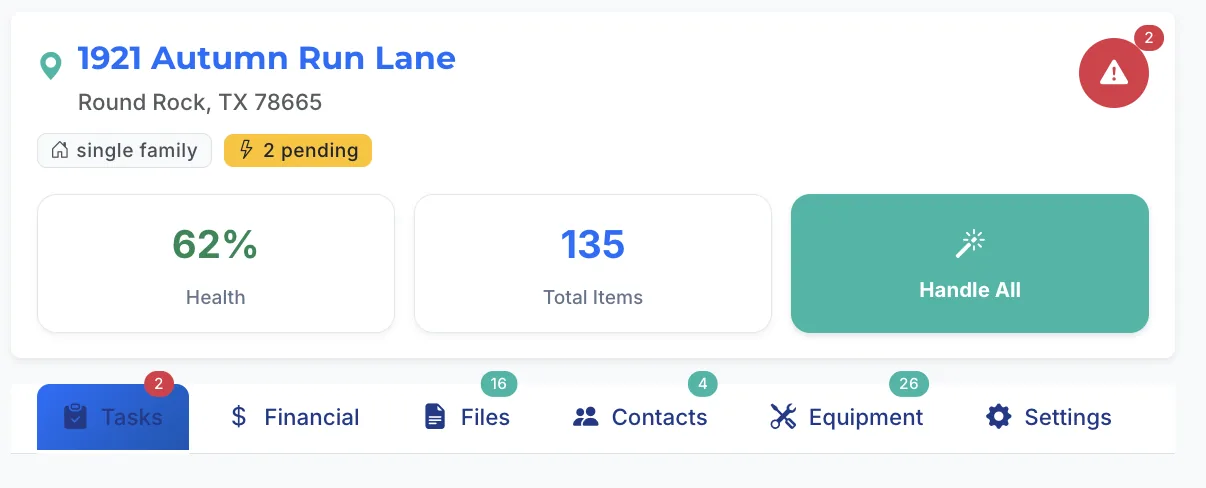
"If this sounds familiar…"
Most people don't think about this… until they actually need it.
No more digging through email or folders to find what you need. It's already there.
This is not property management software.
It's built for busy property owners who don't have time to file things manually. Just upload — invoices, warranties, inspection reports, photos — and the AI reads them, categorizes them, and connects them to the right property automatically. No setup. No forms. Everything happens on its own.
Upload anything. AI handles the rest.
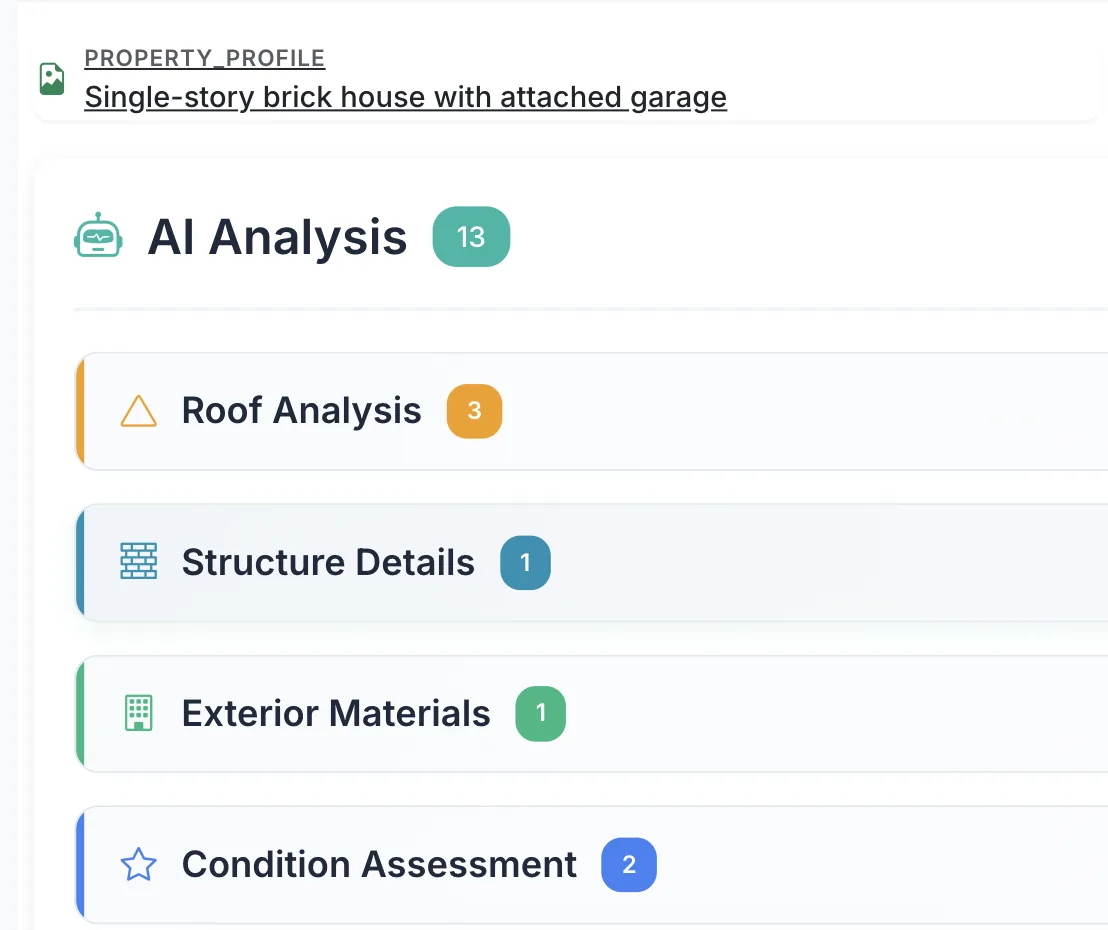
Drop a photo, forward an email, scan a receipt. HOMEFolio AI reads it, extracts what matters, and files it to the right property — automatically. Just upload and it's done.

Up and running in under 2 minutes.
Add a property, upload one document, and see it ready to use — instantly. No setup wizard. No configuration.
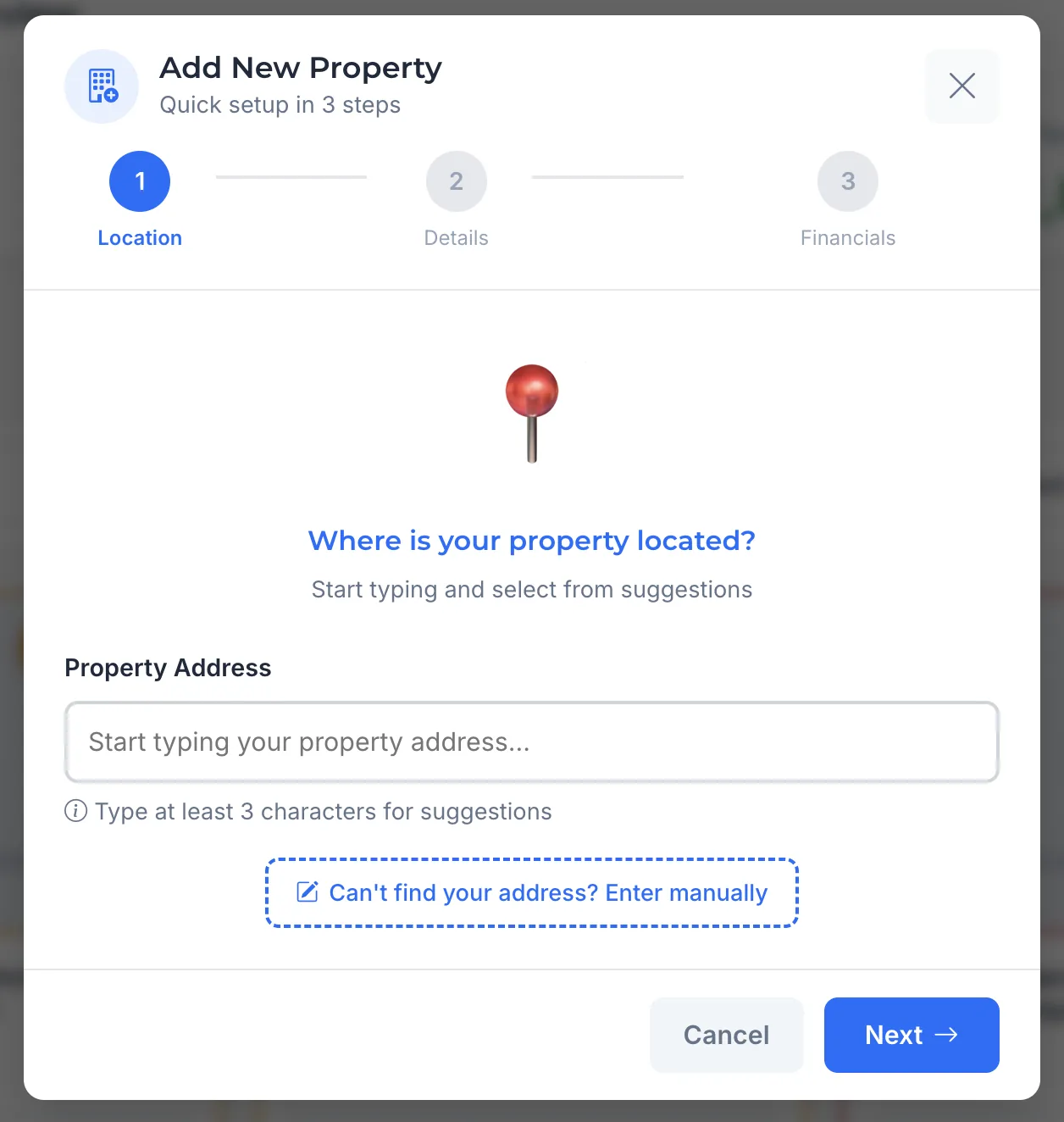
Enter your address
Type your address and we find the property instantly. Done in seconds.
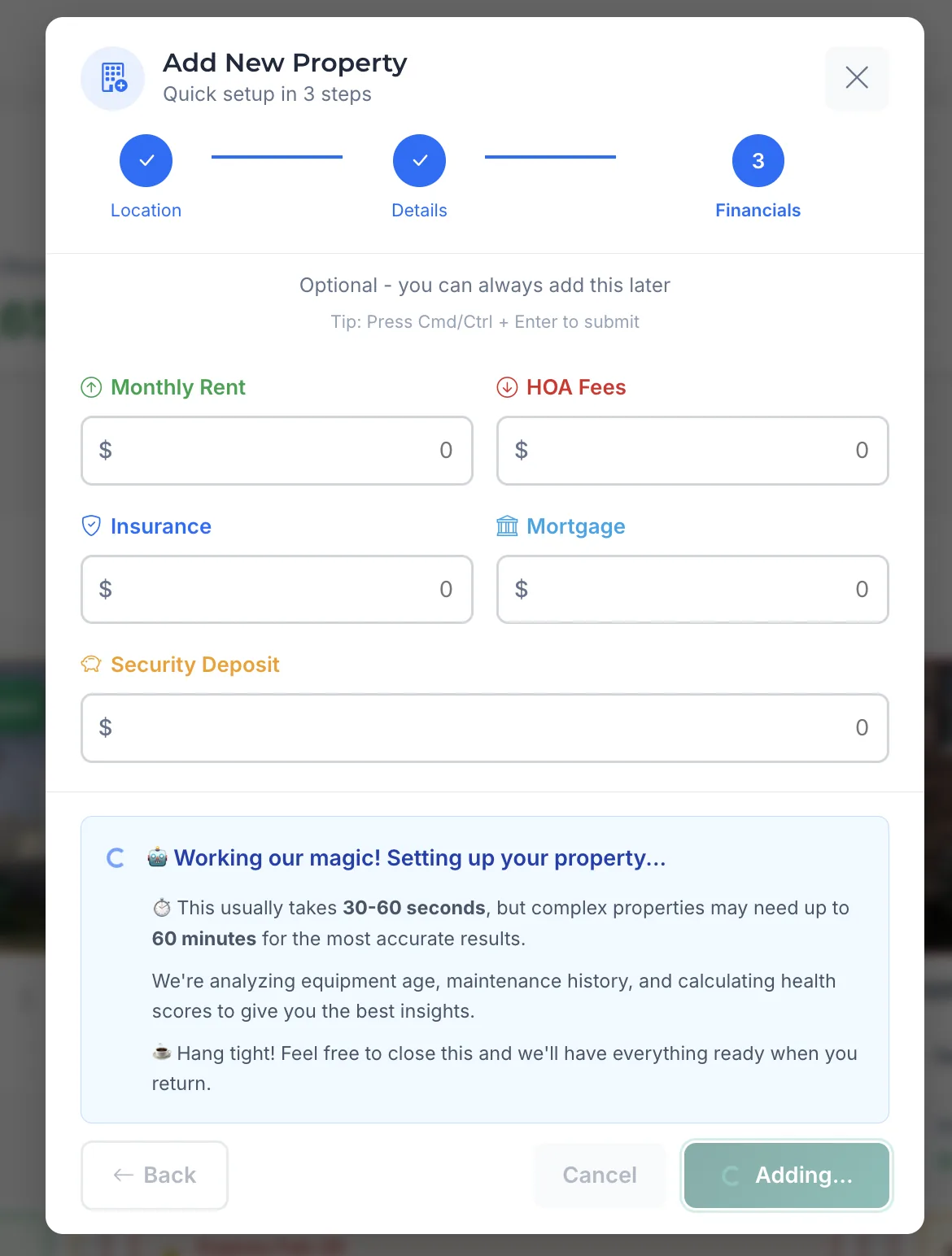
Upload anything
Drop a photo, PDF, or forward an email. AI reads it, pulls out what matters, and connects it to this property — no tagging, no filing.
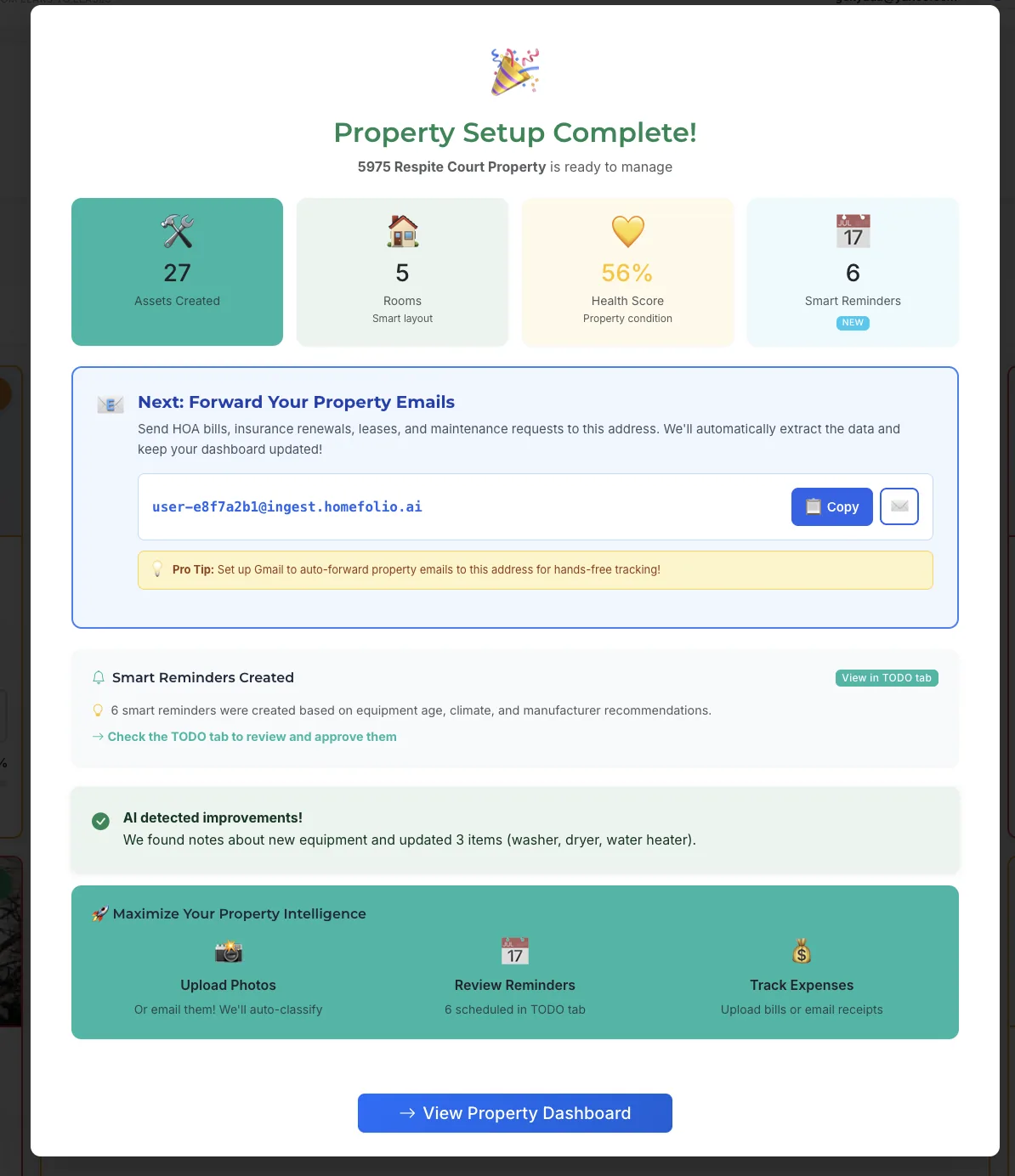
Everything connected. Instantly.
Documents, contacts, and maintenance history are all connected. No configuration. No waiting. It's ready before you close the tab.
See everything organized instantly after your first upload.
Your properties have a history. Most owners can't access it when it matters.
Every repair, document, and contractor you add builds a complete picture of each property. When something comes up, the answer is already there — no digging, no guessing.
Every year you use it, the record gets more complete. The longer you have it, the more irreplaceable it becomes.
Everything about your properties — handled automatically.
Documents, equipment, finances, contacts, and repair history — all linked to the right property. Just upload. Everything else happens on its own.
Every document, always findable
Leases, warranties, inspection reports, utility bills — uploaded once, always findable. No folders to create, no filing system to maintain.
Know which property is about to cost you money
Before it does. A single score flags what needs attention now — not after the repair bill arrives.
Income and expenses that add up
Spending sorted automatically by category, tax-ready at year-end. You see where the money goes without building a spreadsheet.
Contractor history, not just contacts
Notes, invoices, and past work tied to each contractor and property. You know who did the roof, when, and what it cost.
Maintenance before breakdowns
Equipment cataloged with purchase date, warranty, and last service. Reminders arrive before the HVAC fails in January.
Private and secure by default
Encrypted at rest and in transit, AWS infrastructure, passwordless sign-in. Your property data is yours — we never sell it.
Powerful enough to handle everything. Simple enough to just work.
Start with one property.
Upload one document.
See everything organize itself.
Free for 1 property. No credit card. Takes 2 minutes.
Upload your first document — see it organized instantlyGet started freeYour data is private · Passwordless sign-in · Cancel anytime